
Welcome to the Phothera family
How to Get Started with Your
Phothera 600
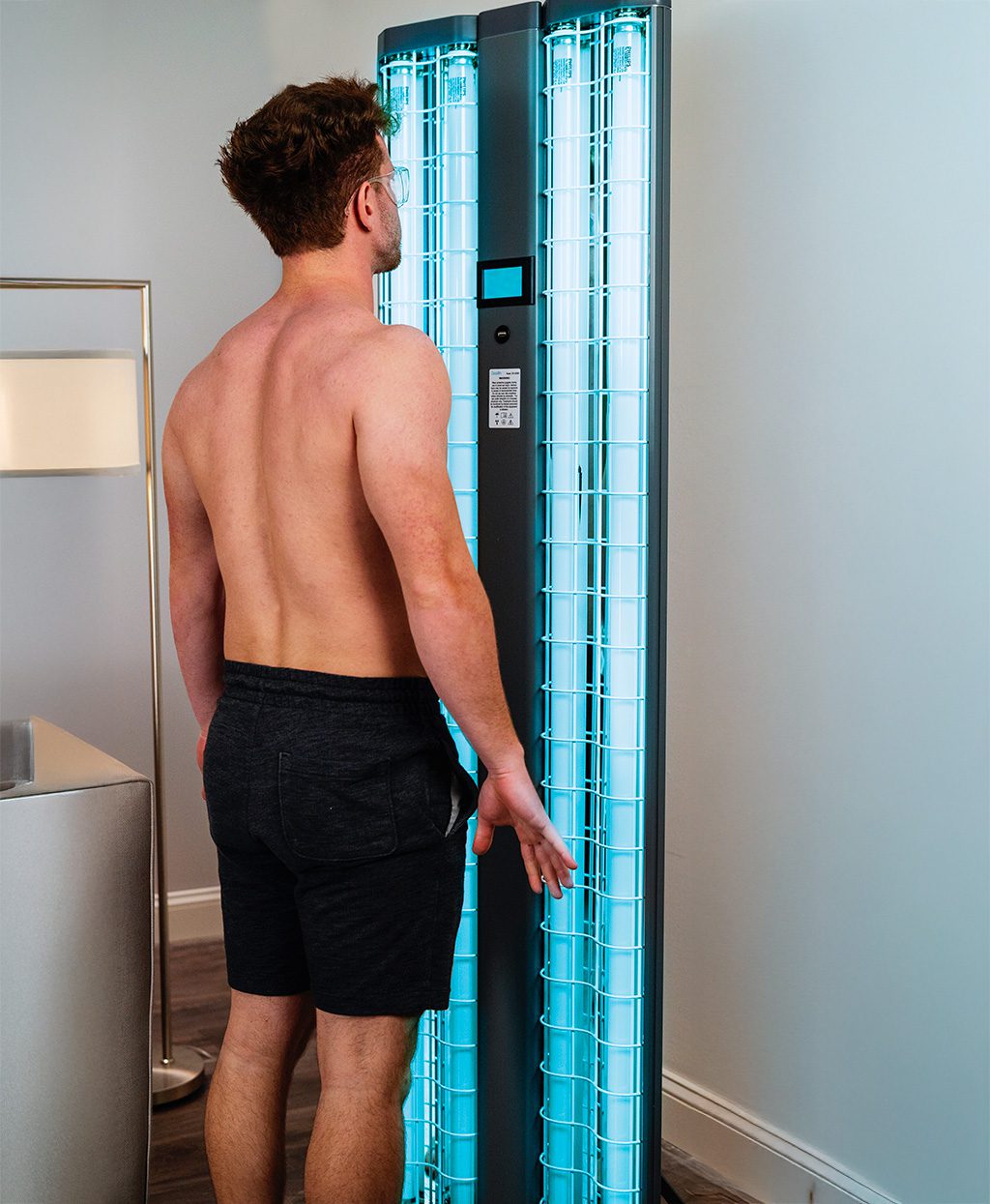
We’re here to help you feel confident and comfortable as you begin your at-home phototherapy journey. Whether you’re just getting started or looking for a refresher, this page has everything you need to use your Phothera 600 safely and effectively.
Sized for everyday use.
Built for clinical results.
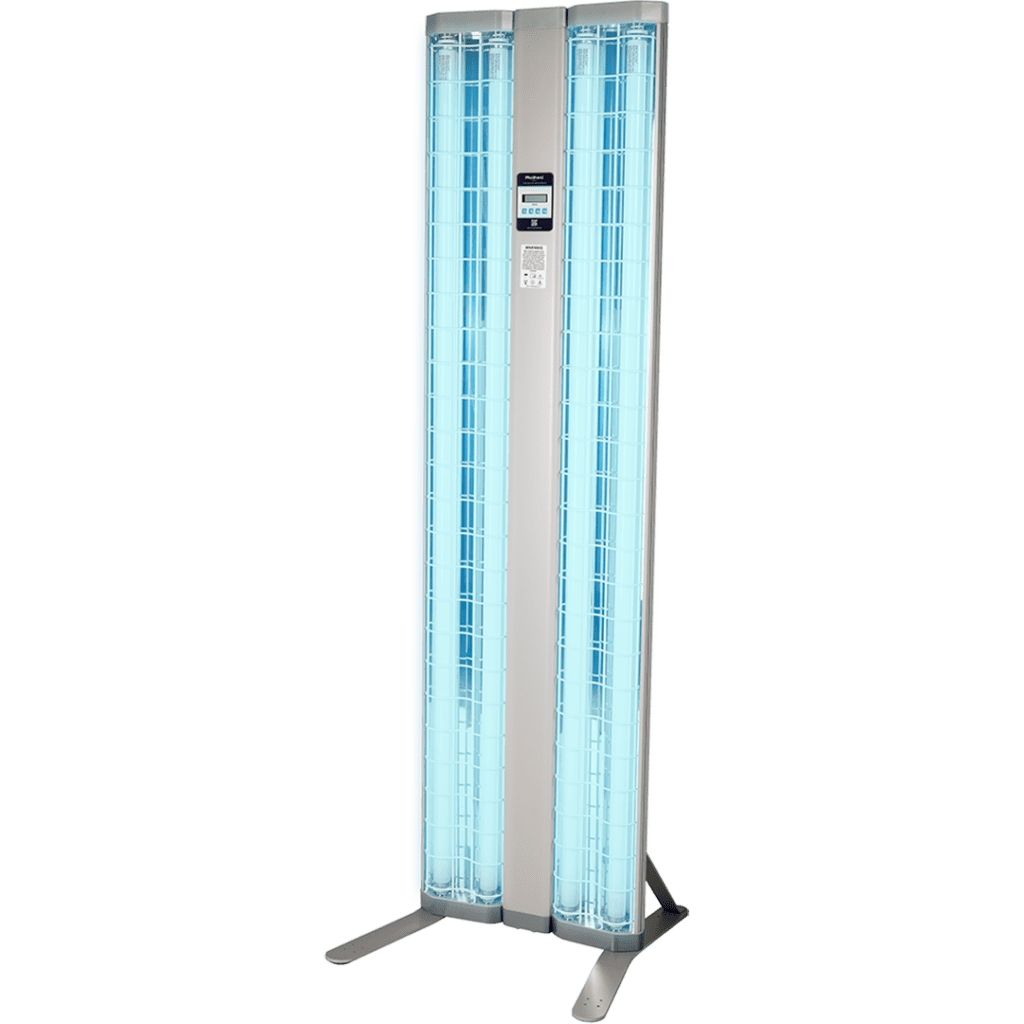
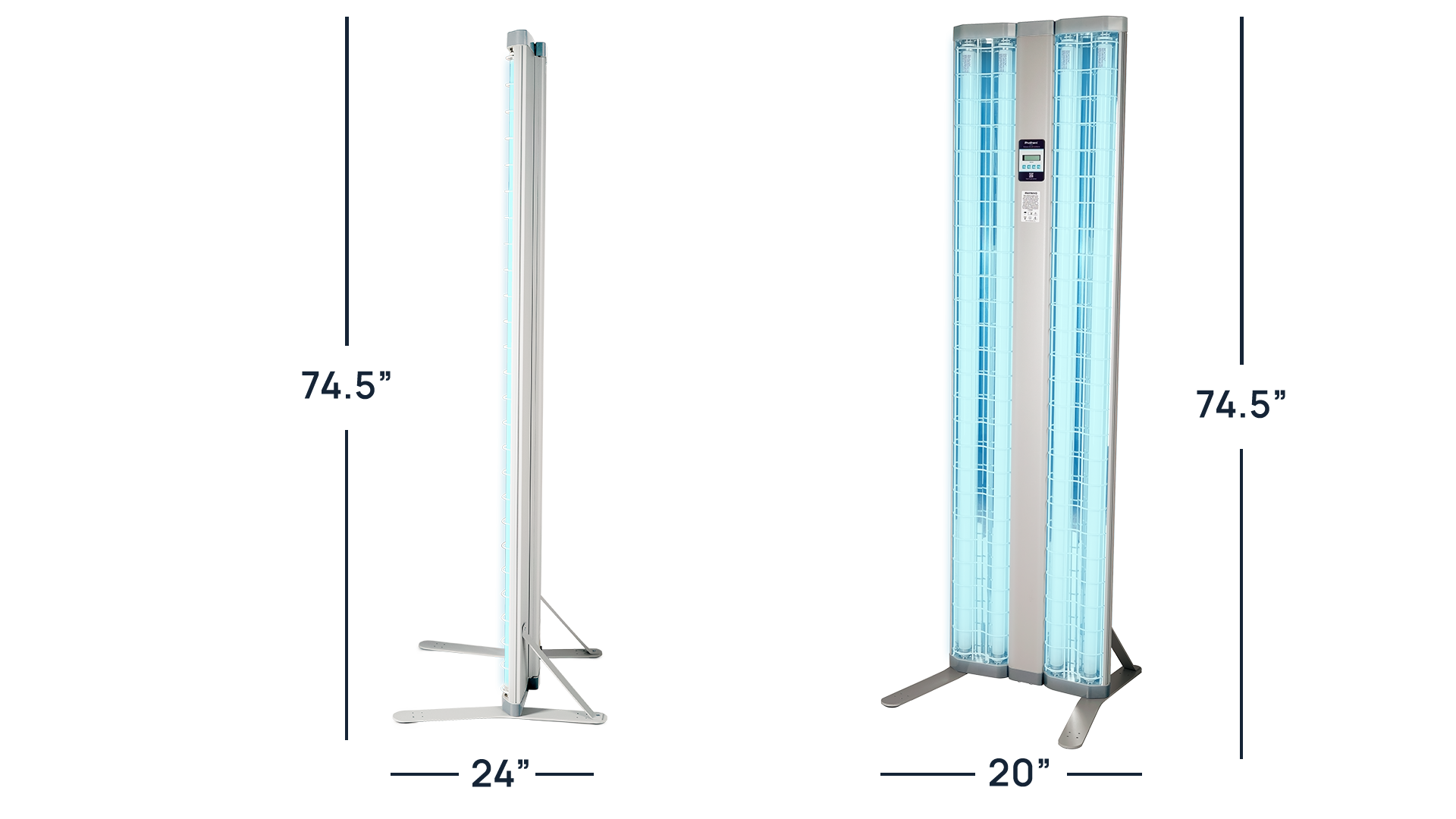
Your Phothera home phototherapy device is compact and easy to position wherever you’re most comfortable. Review the dimensions below to find the best spot for safe, effective treatment.
- Height: w/ Castors 78”; No Castors 74.5”
- Overall Dimensions: 24″ x 20″ x 74.5″ (61 cm x 50.8 cm x 189.2 cm)
- Weight: No Doors 75 lb
- Treatment Area: 19″ x 70.25″ (48.3 cm x 178.4 cm)
Welcome: A quick word from Phothera
You have been prescribed a Phothera home phototherapy device. At the point of prescription, your healthcare provider may have also provided you with a treatment protocol that outlines a starting treatment dose or time, along with treatment frequency. If you were provided this information, please proceed to the section of your choice. If you were NOT PROVIDED WITH A TREATMENT PROTOCOL, download the AAD industry treatment guidelines here.
Getting Started: How to Set up your Phothera 600
Before you Begin:
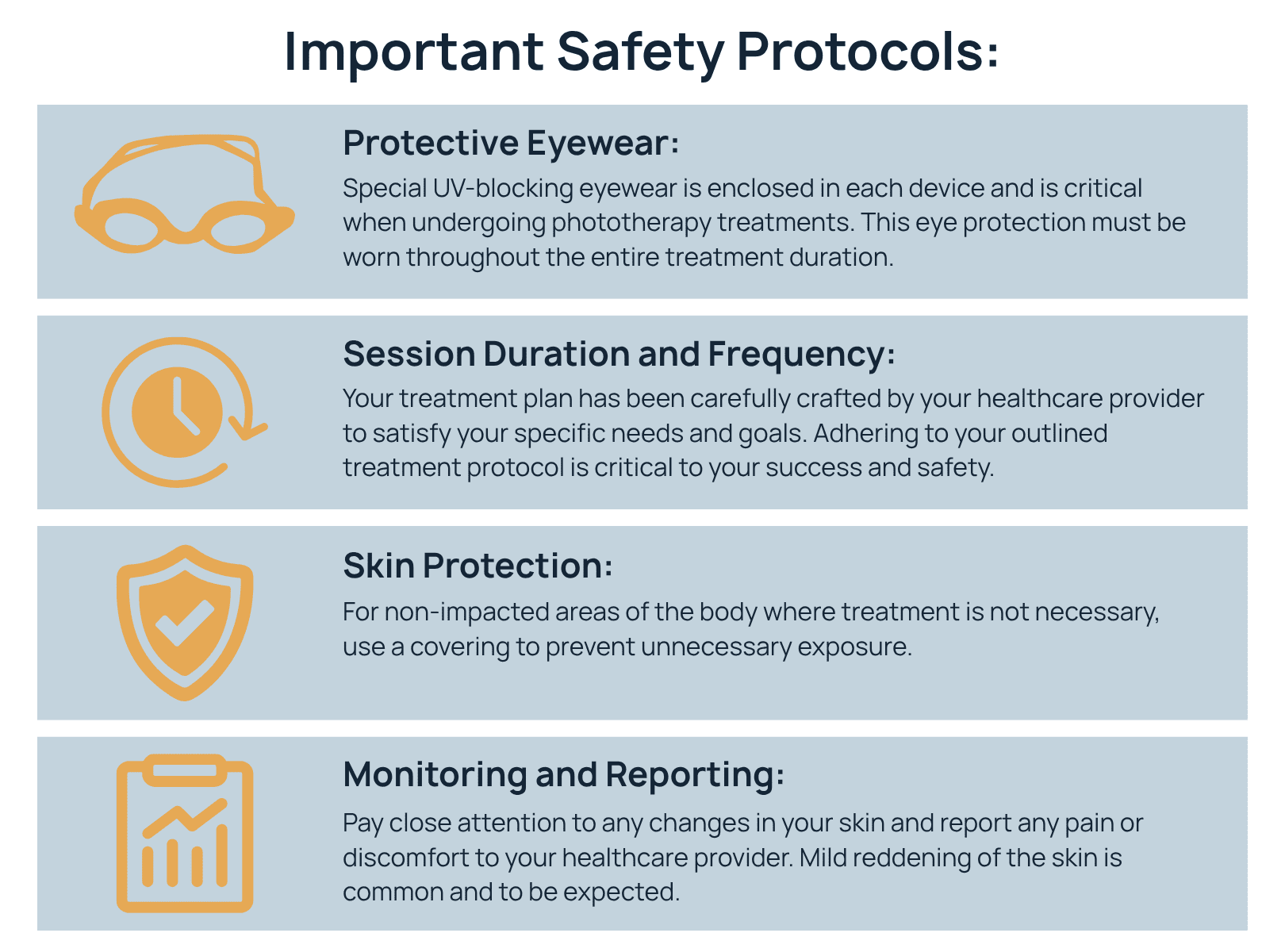
- Always wear protective eyewear
- Stand 9 inches from the center spine of the 600
- Follow your prescribed treatment protocol – adherence is key to success
How to Operate the Touchscreen ClearLink Controller
Entering a Treatment with Guided Mode
How to Operate Your Time Only Controller
Entering a Treatment Time
FAQs
Downloadable Manuals & Tools
Download the official Phothera 600 user manual and other helpful printable guides below.
If you ever need additional help, our support team is just a click away.